
- Version
- Download 0
- File Size 43.67 MB
- File Count 1
- Create Date April 4, 2026
- Last Updated April 4, 2026
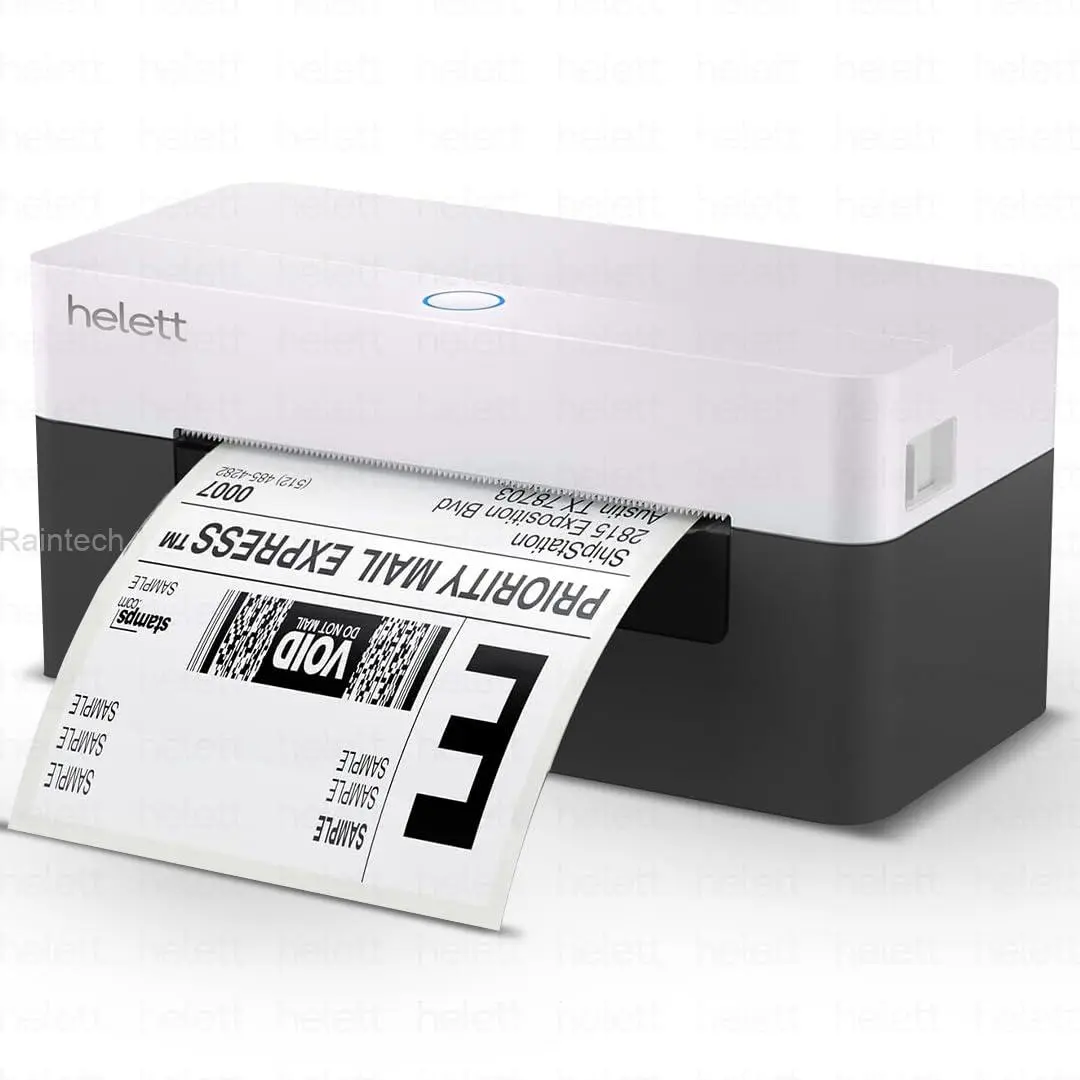
Hellet H30C Barcode Printer
Helett H30C USB Direct Thermal 4×6 Shipping Label Printer (also available in similar listings like Helett H30C Lite USB Direct Thermal 4×6 Shipping Label Printer / Helett H30C Lite USB Direct Thermal 4×6 Shipping Label Printer / Helett H30C USB Direct Thermal 4×6 Shipping Label Printer) — a thermal barcode and shipping label printer suitable for small business, e-commerce, warehouse, and office use:
📦 Overview
The Helett H30C is a direct thermal label printer designed to print barcode labels, shipping labels (4″×6″), product tags, and more without needing ink or toner. It connects via USB to your computer and works with multiple operating systems, making it a cost-effective choice for businesses that need reliable label printing.
🖨️ Key Features
-
Printing Technology: Direct thermal printing — no ink or toner cartridges needed, reducing running costs.
-
Print Resolution: 203 DPI — sharp and clear text, barcodes, and graphics.
-
Print Speed: Up to 152 mm/s (6″ per second) for fast printing of large batches of labels.
-
Label Size Support: Adjustable label width from approx. 1.06″ up to 4.25″ and print length up to about 70″ — supports 4×6″ shipping labels, certification labels, food labels, barcodes, price tags, etc.
-
Connectivity: USB interface — plug-and-play setup with computers.
-
Compatibility: Works with Windows, macOS, Linux, and Chrome OS — versatile for various setups.
-
Compact Design: Small footprint fits easily on desks or packing stations without taking much space.
-
Use Cases: Ideal for e-commerce shipping labels (Amazon, Flipkart, Meesho), inventory barcodes, product tags, and general label printing in businesses.
🔧 Additional Technical Notes
-
Built-in sensors (gap/black mark) help detect label positions accurately.
-
Typically includes basic memory (e.g., flash + RAM) for stable operation.
-
Direct thermal printing is economical but works best with thermal-sensitive labels (no ink required).
✅ Pros & Considerations
Pros:
✔ High print speed for busy workflows
✔ Broad OS compatibility
✔ No consumables like ink/toner required
✔ Adjustable label sizes